Find your TV
Scan for compatible nearby devices, or enter your TV’s network address when needed.
 Volmote
The remote you know.
The phone already in your hand.
For compatible smart TVs on your Wi-Fi. No Volmote account needed.
Keep the phone and TV on the same reachable Wi-Fi network. Your TV stays in control of pairing.
Scan for compatible nearby devices, or enter your TV’s network address when needed.
Approve the request or enter the code shown on your TV, depending on its platform.
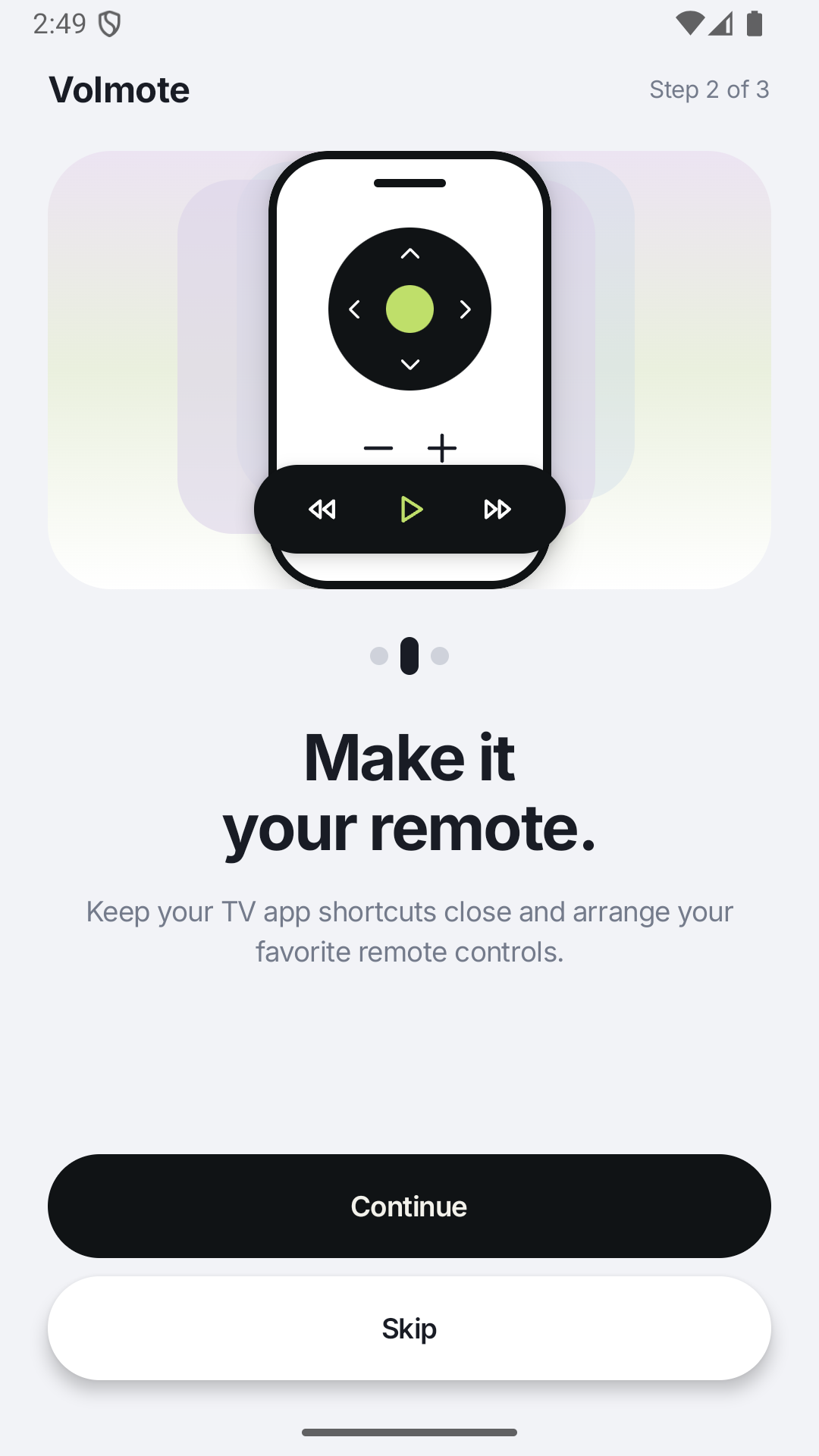
Save your devices, arrange remote controls and keep your favorite TV app shortcuts close.
Navigation, playback and volume controls for supported TVs. Text and voice input where your TV and phone support them.
Set up routines and sleep timers for your compatible TV.
Scheduled actions need your phone and network to be available. Available controls vary by TV model and connection.
Volmote includes integrations for the platforms below. Compatibility and available commands depend on the TV model, firmware and pairing method.
Fire TV and optional Advanced mode require the TV owner’s network-debugging authorization. Roku and Apple TV control are unavailable. Volmote is independent and is not affiliated with television manufacturers or streaming services.
No. Your television must support one of the available connection methods. Pairing, standby power, text fields and individual commands vary by model and firmware. Start by connecting your actual TV and checking the controls available to it.
No Volmote login is required. Saved TVs, pairing information and preferences stay in the app’s private storage on your phone. Optional Analytics and Crashlytics sharing can be controlled separately in Settings. Read the privacy policy for details.
Volmote opens Android’s system casting settings. It does not provide universal screen mirroring or a Google Cast sender. Local photo, video and music sharing is planned for a later update.
Optional tools for a compatible Android TV or Fire TV, including supported file transfers, app installation and maintenance. They require the TV owner to enable network debugging and authorize the connection. They are not available on every device.
Need a hand? Send your TV brand, model and a description of the issue. Keep passwords and pairing secrets private.